Signing in to your SlotsVader Casino account takes only a moment, whether you are on a laptop in Toronto or on a phone in Vancouver. Start from the official homepage and look for the Log In button anchored in the top right corner of every screen. Click it, and a secure sign-in window will slide open.
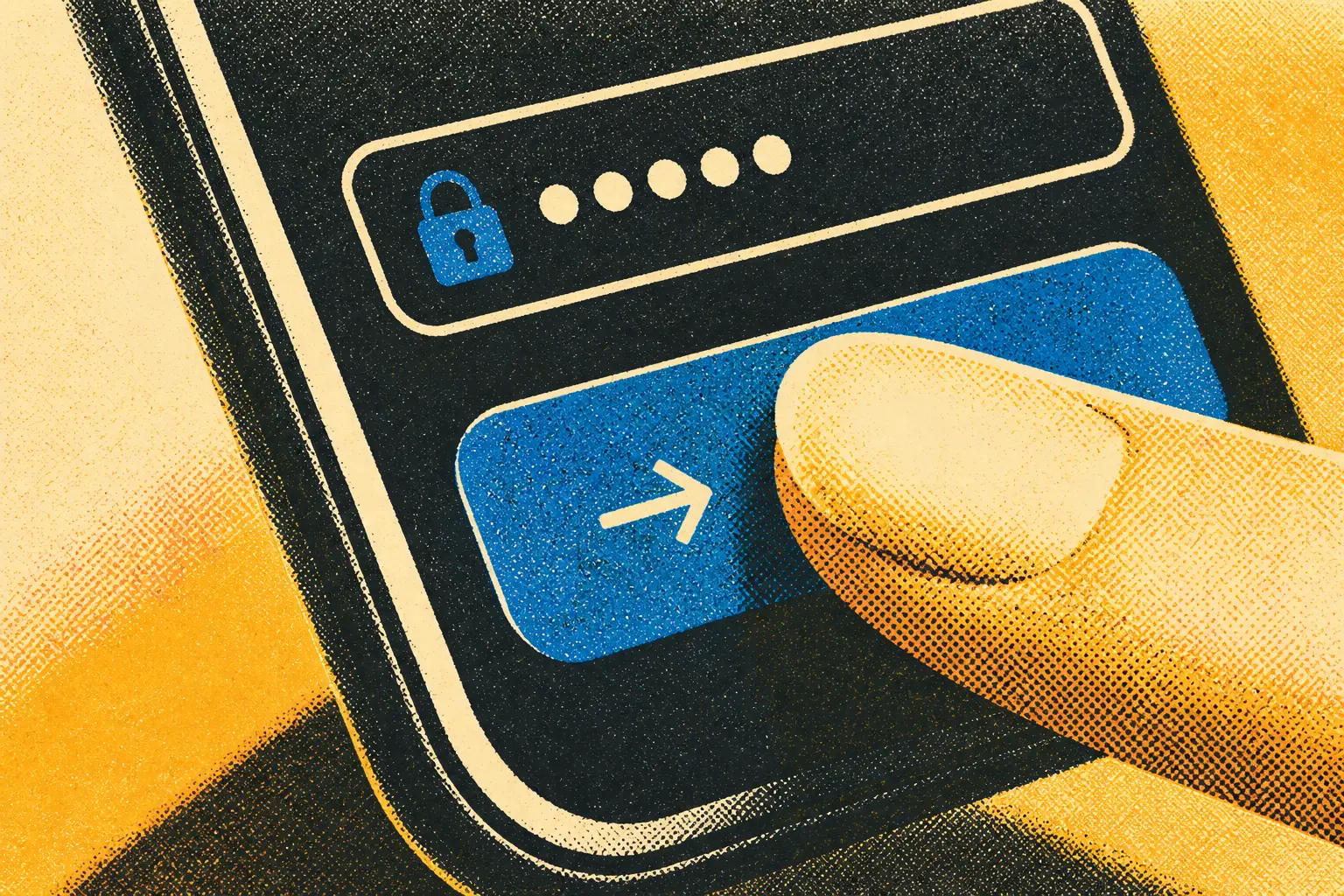
Enter the email address you used at registration, followed by your password. Both fields are case-sensitive, so double-check the keyboard layout before you submit. If you tick the Remember me box on a private device, the browser will recall your session for faster access later. Press the green confirmation button, and the lobby will load with your balance, bonuses and loyalty status already in place.
Every session at SlotsVader Casino is protected by SSL encryption, so the credentials travelling between your device and the platform stay private. The operator runs under an Anjouan eGaming licence, which means the login flow, account data and payment details are handled inside a regulated environment built for online gaming in Canada.
Recovering Your Password
Forgotten passwords are common, and SlotsVader Casino keeps the recovery flow simple. Below the sign-in fields you will find a Forgot password? link. Tap it, type in the email address tied to your account, and submit the request.
Within a few minutes a recovery message will arrive in your inbox. It contains a one-time reset link that opens a secure page where you can set a new password. The link stays valid for a limited window and expires once it has been used, so request a fresh one if the timer runs out.
If the email does not appear, check the spam or promotions folder before retrying. Make sure you are using the same address you confirmed at sign-up — typos and old work emails are the usual culprits. Once the new password is saved, head back to the login screen and use it to sign in.
Fixing Common Login Problems
Most sign-in issues fall into a short list of fixable problems. Work through them in order:
Wrong credentials. Caps Lock, autofill suggesting an old password, or a mistyped email account for most failed attempts. Reset the password if you are unsure.
Browser cache conflicts. Stale cookies can block the login form from refreshing. Clear cache and cookies for the site, or try an incognito window.
Geo or device restrictions. Switch off any VPN that may route your traffic outside Canada, and avoid public networks that block gaming domains.
Pending KYC verification. If your account is locked while documents are being reviewed, customer support can confirm the status and timing.
When the desktop browser refuses to cooperate, switch to the mobile web app experience on your phone. The mobile version is built for the browser, loads quickly on cellular data, and gives you the same login form, lobby and cashier on the go.
New Here? Register and Verify Your Account
If you do not have an account yet, registration takes only a couple of minutes. Pick the Sign Up button on the homepage, enter your email, set a strong password and confirm that you are over the 18+ age limit. Choose CAD as your account currency to keep balances and bonuses in dollars from the first deposit.
Before you withdraw winnings, you will need to complete KYC verification. SlotsVader Casino asks for a government-issued ID such as a passport, driver licence or national ID, a selfie holding that document, and a proof of address dated within the last three months. Reviews are handled on weekdays and usually finish inside 72 hours.
Once verified and funded, your first deposit unlocks the Welcome Force Pack — up to 8440 C$ plus 300 free spins across the Light and Dark Side tiers. Play responsibly: SlotsVader Casino supports self-exclusion tools, including a Time-Out break starting from 24 hours, so you stay in control of every session.
Login FAQ
How do I log in to my SlotsVader Casino account?+
Click the Log In button on the homepage, enter your registered email and password, then confirm to access your account, bonuses and loyalty progress instantly.
What should I do if I forget my password?+
Select the password recovery link on the login screen, enter your registered email and follow the reset instructions sent to your inbox to regain secure access.
Is my account protected when I sign in?+
Yes, every login session is protected by SSL encryption, and the casino operates under an Anjouan eGaming licence with strict 18+ and responsible gaming policies.
Why is my login attempt being blocked?+
Logins can fail due to incorrect credentials, pending KYC verification, or a self-exclusion break in place; contact live chat or email support for assistance.
Do I need to verify my identity after logging in?+
KYC verification is required before withdrawals and may include passport or ID, a selfie with the document, and proof of address dated within three months.
We use cookies to keep your orbit smooth, remember your preferences and analyse traffic across the SlotsVader Casino lobby.